How to Fix WordPress Email Not Sending (Step-by-Step Guide)
If your WordPress email is not sending, you’re not alone. This is one of the most common issues website owners face, especially when using contact forms, WooCommerce, or automated notifications.
The good news? Most email issues can be fixed quickly once you identify the root cause.

WordPress email errors are often caused by SMTP misconfiguration or server restrictions.
—Why WordPress Emails Are Not Sending
WordPress uses the default PHP mail function, which many hosting providers restrict or disable. This leads to emails failing silently or going to spam.
Common causes include:
- SMTP not configured
- Hosting server blocking email ports
- Contact form plugin issues
- Incorrect email authentication
- Emails going to spam instead of inbox
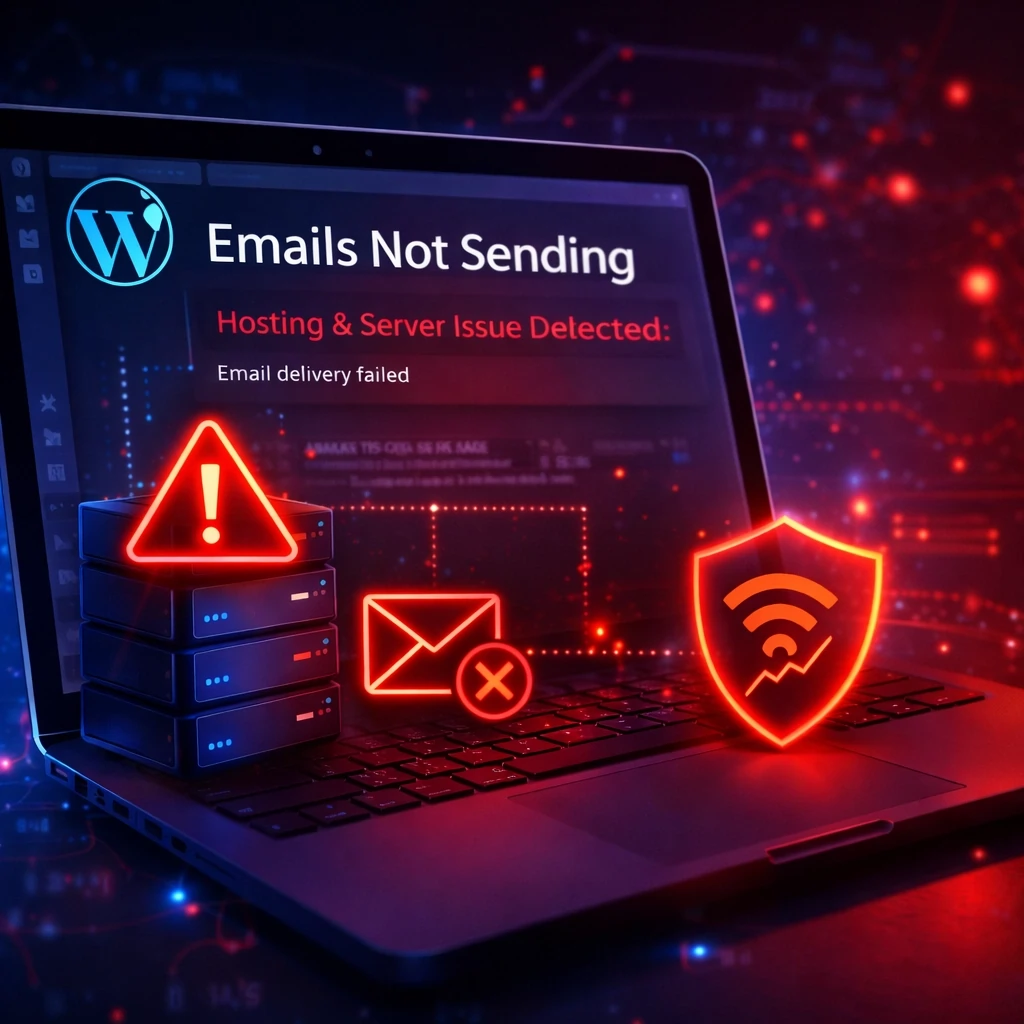
Hosting and server restrictions can block email delivery entirely.
👉 If your website was recently hacked or modified, this could also break email functionality. Fix malware issues here.
—How to Fix WordPress Email Not Sending (SMTP Method)
The most effective fix is to configure SMTP (Simple Mail Transfer Protocol), which ensures emails are authenticated and delivered properly.
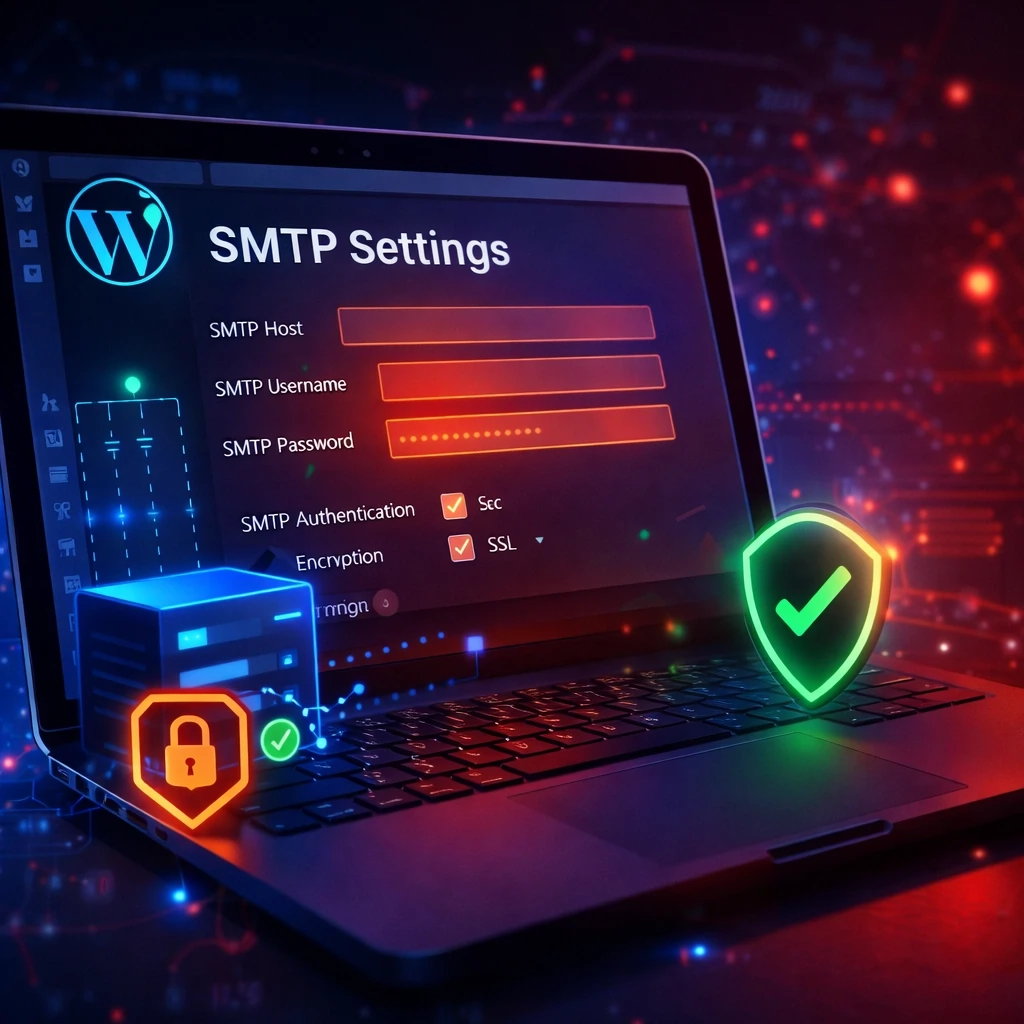
SMTP ensures secure and reliable email delivery from your WordPress site.
Step-by-Step SMTP Fix:
- Install an SMTP plugin (WP Mail SMTP recommended)
- Enter SMTP host (e.g., Gmail, Outlook, or your hosting provider)
- Add your email username and password
- Enable authentication
- Select encryption (SSL/TLS)
- Send a test email
👉 If you don’t want to deal with setup issues, we can fix your email instantly.
—Fix Contact Form Not Sending Emails
If your contact form isn’t sending emails, the issue is usually related to plugin configuration or SMTP not being set up correctly.

Contact form errors are one of the most common reasons emails fail.
Common Fixes:
- Check form email settings
- Ensure admin email is correct
- Reconnect SMTP plugin
- Disable conflicting plugins
- Update your contact form plugin
👉 Need a quick fix? Fix your contact form now.
—Additional Fixes to Try
- Switch hosting providers if email is blocked
- Check spam folder and email filtering
- Verify domain DNS records (SPF, DKIM, DMARC)
- Update WordPress, themes, and plugins
- Test with a different email provider
👉 If your site is slow or unstable, that can also affect email delivery. Optimize your site speed here.
—When to Get Professional Help
If you’ve tried everything and emails still aren’t sending, the issue could be deeper—like server misconfiguration, malware, or database errors.
That’s where we come in.
—Fix Your WordPress Email Issue Fast 🚀
Don’t lose leads or customers because your emails aren’t working.
We’ll diagnose and fix your issue quickly—so your website runs smoothly again.
- ✔ Fast turnaround
- ✔ Expert WordPress support
- ✔ Fix-or-refund guarantee
👉 Get Emergency WordPress Repair Now
—Final Thoughts
WordPress email issues are common—but they’re also fixable. Whether it’s SMTP, hosting, or plugin conflicts, following the steps above will resolve most problems.
If you want it fixed without the hassle, we’re here to help.