How to Fix a Slow WordPress Website (Speed Optimization Guide)
If your WordPress website is loading slowly, you are losing visitors, hurting conversions, and damaging your Google rankings. A slow website creates a poor user experience and can make potential customers leave before your page even finishes loading.
The good news is that most WordPress speed problems can be fixed. In this guide, you will learn how to identify performance issues, improve loading speed, and make your WordPress website faster.
⚡ Fast WordPress fixes available • Performance improvements in most cases
If you need help right away, click here to fix your slow WordPress website fast.

Signs Your WordPress Website Is Too Slow
A slow WordPress website usually shows warning signs before it becomes a major problem. Common symptoms include:
- Pages taking several seconds to load
- High bounce rates from visitors leaving quickly
- Poor scores in PageSpeed Insights or GTmetrix
- Slow admin dashboard performance
- Images loading late or page elements shifting during load
If your site feels sluggish, it is important to diagnose the issue before trying random fixes.
Step 1: Run a WordPress Speed Test
The first step is to test your website with performance tools such as GTmetrix, PageSpeed Insights, or Pingdom. These tools show how long your website takes to load and identify areas that need improvement.

A speed test can reveal problems such as poor server response time, oversized images, render-blocking scripts, and too many requests.
Step 2: Identify What Is Slowing Down Your Site
There is no single cause of a slow WordPress website. In many cases, multiple issues combine to create poor performance. The most common causes include:
- Unoptimized images
- Too many plugins
- Poor-quality hosting
- Lack of caching
- Heavy themes or page builders
- Unused CSS and JavaScript
- External scripts such as ads, fonts, or tracking tools
Fixing speed problems starts with identifying which of these issues is affecting your website the most.
Step 3: Optimize Your WordPress Website for Speed
Once you know what is causing the slowdown, you can begin improving performance. Some of the most effective speed optimization techniques include:
- Enable page caching
- Compress and resize large images
- Minify CSS, JavaScript, and HTML files
- Use lazy loading for images and videos
- Remove unnecessary plugins
- Upgrade to faster hosting if needed
- Use a content delivery network (CDN)
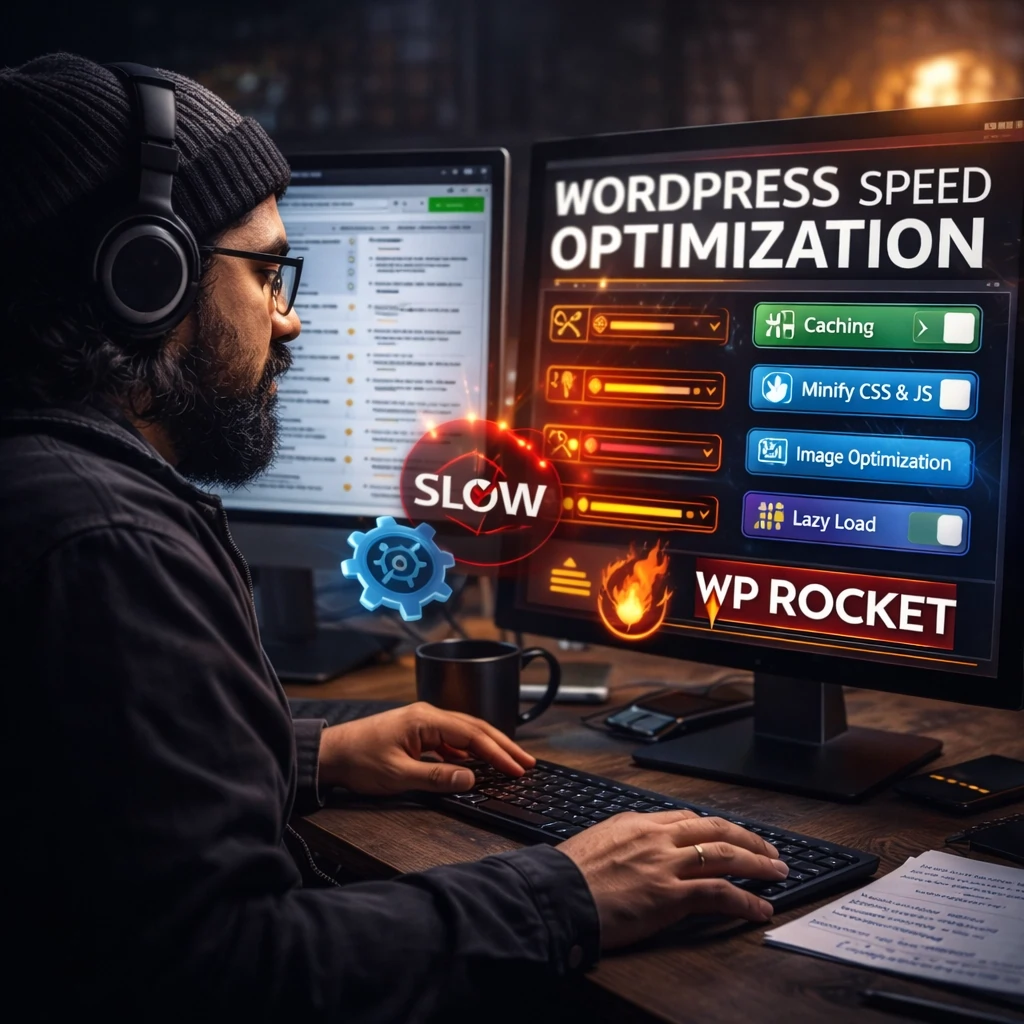
These changes can significantly reduce load time and improve Core Web Vitals, which are important for both SEO and user experience.
Step 4: Test Your Website Again
After making performance improvements, run another speed test to compare your results. You should see better loading times, improved scores, and smoother page performance.

A faster WordPress website can lead to better rankings, lower bounce rates, and more conversions.
🚀 Need Your WordPress Website Speed Fixed Fast?
We optimize slow WordPress websites for better speed, performance, and user experience.
⚡ Fix My Slow Website NowWhy Website Speed Matters for SEO
Website speed is not just about convenience. It directly affects search rankings, conversions, and customer trust. A slow WordPress site can:
- Reduce your visibility on Google
- Lower conversion rates
- Increase bounce rate
- Make your business appear outdated or unreliable
The faster your website loads, the better the experience for your visitors and the better your chances of turning traffic into leads or sales.
When to Hire a Professional
Some speed issues are simple to fix, but others require more advanced troubleshooting. If your website is still slow after basic optimization, it may be time to hire a professional.
Complex speed issues can involve hosting configuration, database cleanup, theme conflicts, plugin bloat, and server-level performance problems. Fixing them correctly can save you hours of frustration and prevent further issues.
Final Thoughts
A slow WordPress website can cost you rankings, traffic, and business. The best approach is to test your site, identify the main performance problems, and apply the right optimizations step by step.
If you want faster results without the guesswork, get expert help and improve your WordPress speed the right way.