WordPress Error Codes Explained: What Each Error Means
WordPress websites can sometimes stop working unexpectedly due to server problems, plugin conflicts, database issues, or corrupted files. When this happens, WordPress displays specific error messages that indicate something is wrong.
Understanding these WordPress error codes helps you quickly identify the issue and determine the correct fix.
Below are the most common WordPress errors, what they mean, and how to fix them.
500 Internal Server Error
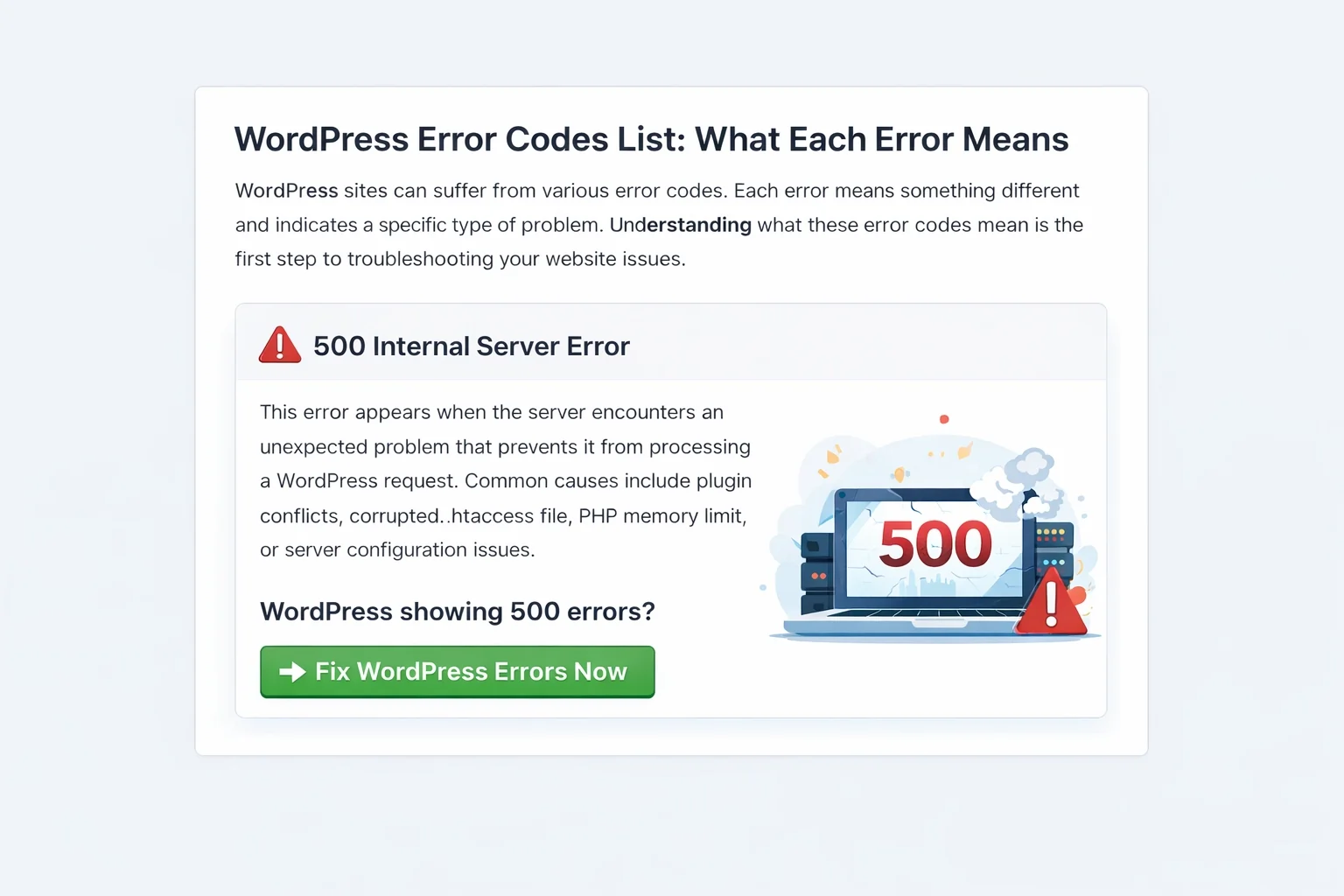
The 500 Internal Server Error occurs when the server encounters an unexpected issue and cannot complete a request.
- Plugin conflicts
- Corrupted .htaccess file
- PHP memory issues
- Server misconfiguration
Fix My WordPress Website Now →
WordPress White Screen of Death
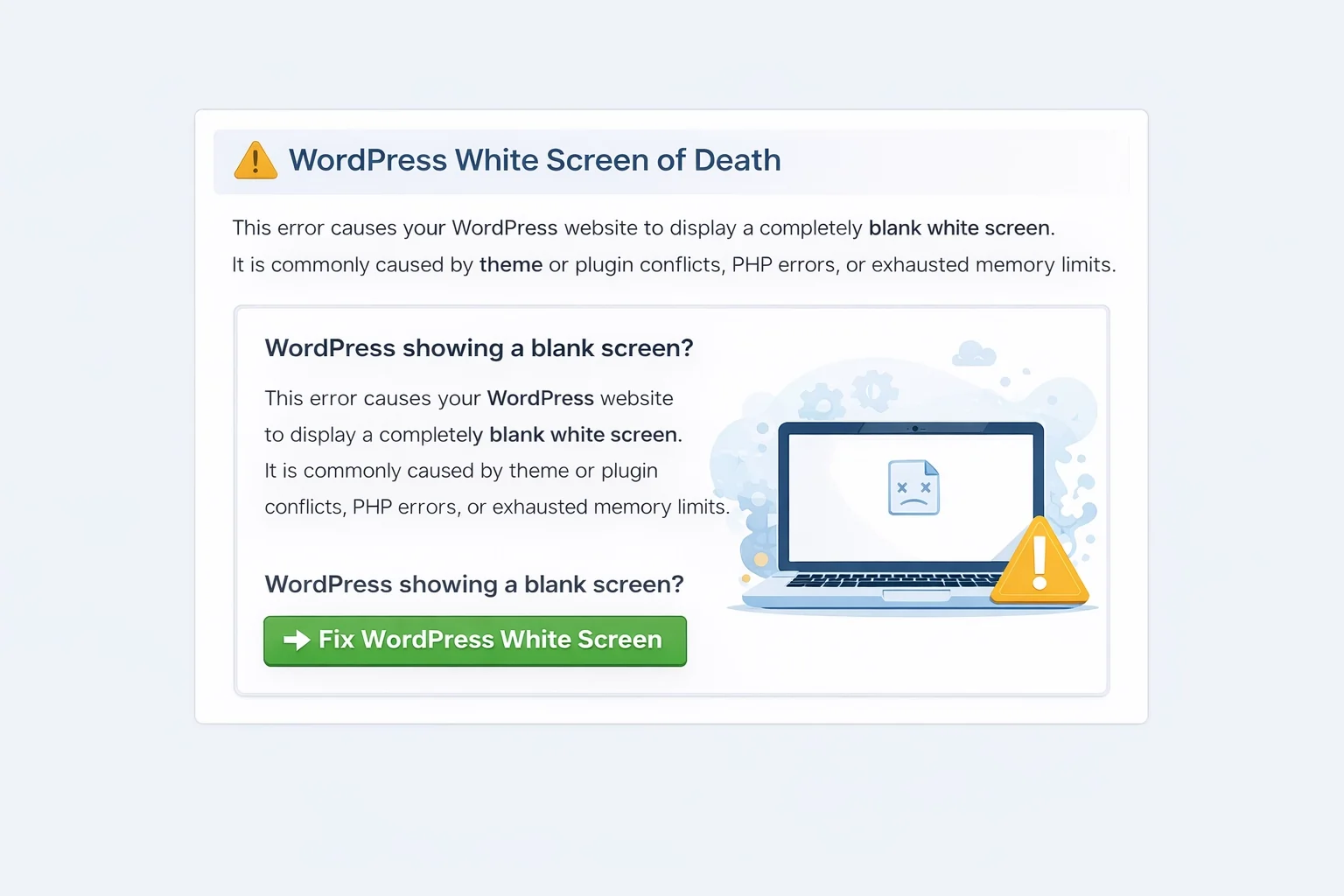
The White Screen of Death causes your website to display a completely blank page with no error message.
- Plugin conflicts
- Theme errors
- PHP fatal errors
- Memory exhaustion
Fix My WordPress Website Now →
Error Establishing a Database Connection

This error occurs when WordPress cannot connect to its database.
- Incorrect database credentials
- Corrupted database
- Server outages
- Hosting issues
Fix My WordPress Website Now →
WordPress Website Not Loading
If your site won’t load at all, it may be caused by server issues, plugin conflicts, or DNS problems.
WordPress Critical Error
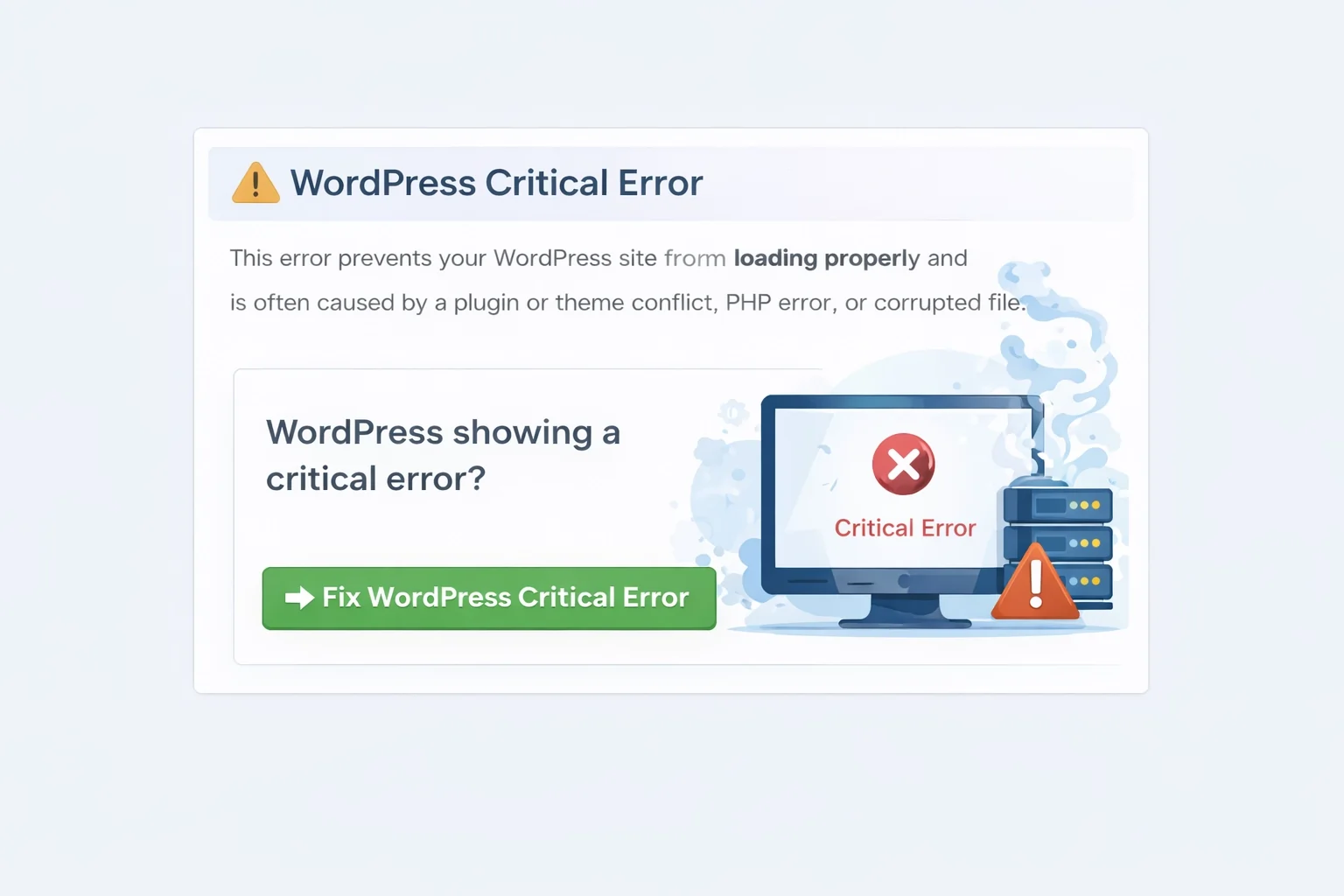
The WordPress Critical Error happens when a fatal PHP error stops WordPress from running.
- Plugin conflicts
- Theme issues
- PHP errors
- Corrupted files
Fix My WordPress Website Now →
⚡ Need Professional WordPress Repair?
If your WordPress website is broken, hacked, or showing any of these errors, professional troubleshooting can quickly identify and fix the problem.
Our WordPress repair experts specialize in:
- Malware removal
- Plugin conflict fixes
- Database repair
- Server error troubleshooting
- Website recovery